The issue thread
Every issue is a conversation: your report at the top, then replies — yours and the bydynamics team's — in order.
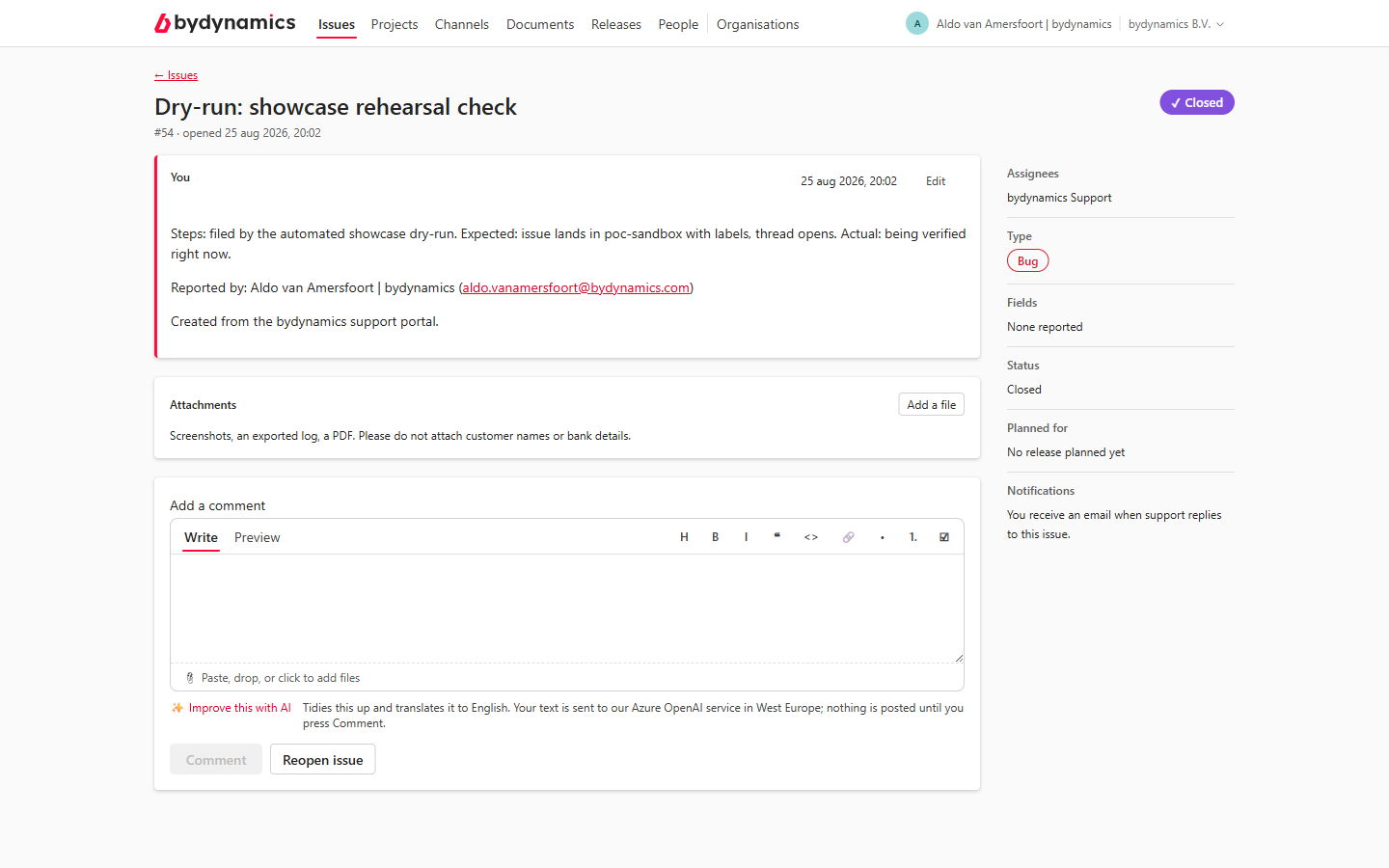
Replying
Write in Add a comment and press Comment. Files pasted or dropped into the box upload immediately and appear inline in your message. The same ✨ Improve this with AI offer sits under the box — for a reply it tidies and translates to English without inflating "Yes, still happening on 26.4" into a fake bug report. Nothing is posted until you press Comment, and Undo restores your words.
Attachments
The Attachments panel lists every file on the issue and takes new ones — screenshots, an exported log, a PDF. The same rule as everywhere: no customer names or bank details.
Editing your report
Reported the wrong version number? If you filed the issue, its description shows Edit. Change the text and press Save — support sees that it changed, and can read what it said before, so the record stays honest.
Comments can't be edited
Only the description can be edited, and only by its reporter. A slip in a comment is corrected the way it is in chat: post another comment.
Closing and reopening
If you filed the issue, you can Close issue when it's resolved — as completed, or as not planned — and reopen it if the problem returns. With text in the comment box, the button becomes close with comment, which posts and closes in one step. Colleagues can read and reply to your issues, but only the reporter (or the bydynamics team) closes them.
The rail on the right
- Type — Bug / Feature / Task, as classified by the team.
- Fields — what you reported (version, priority proposal).
- Status — Open or Closed.
- Planned for — once your issue is scheduled into a release, it shows here.
- Notifications — you receive an e-mail when support replies to an issue you reported. Adjustable under Settings.