The bydynamics Portal
The Portal is where your organisation works with bydynamics: report and follow issues, watch project boards, reach the shared Teams channels, open engagement documents, and read release notes — one place, one sign-in, readable by your whole organisation.
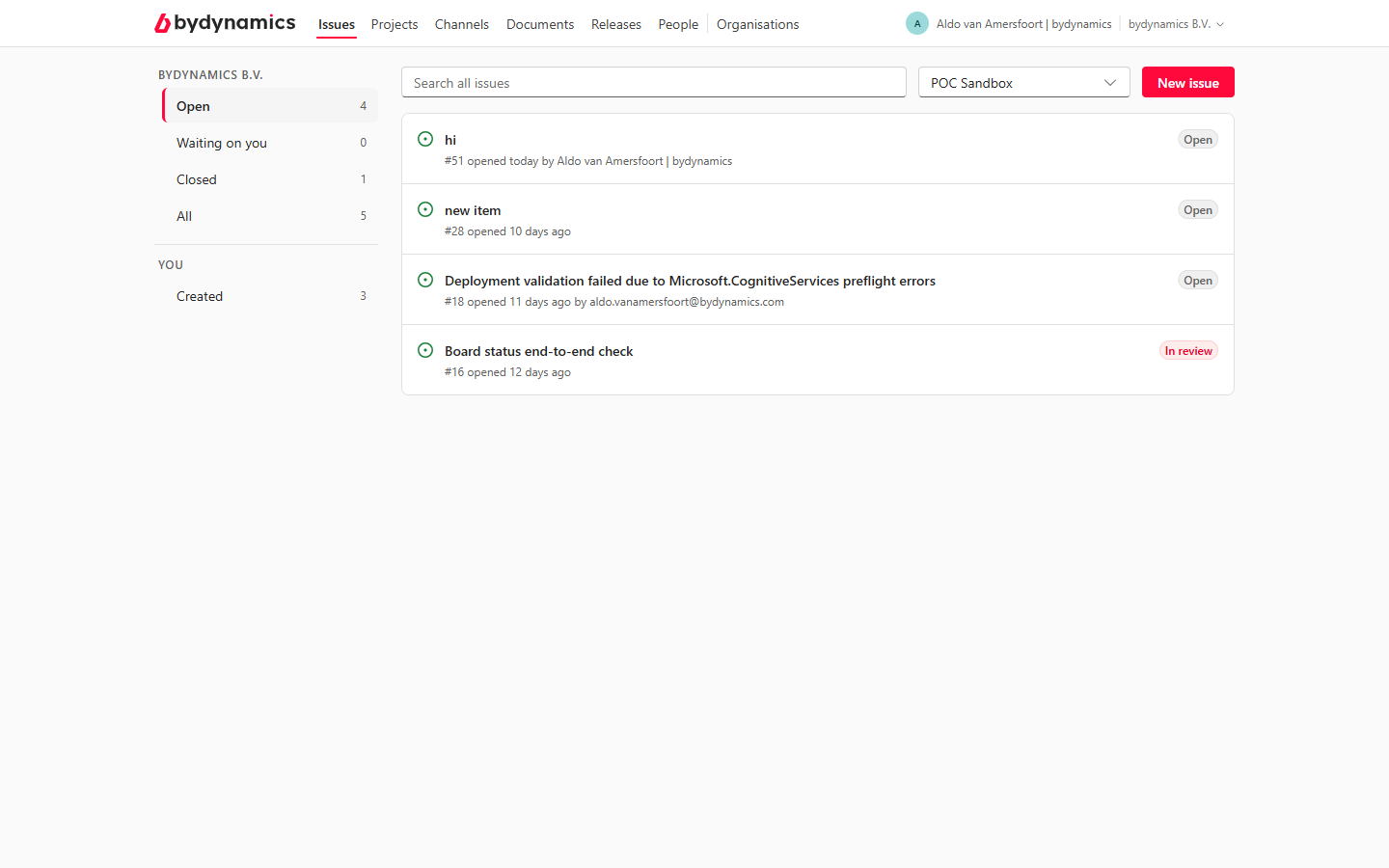
- I report problems → start at Getting started, then Reporting an issue
- I work in Microsoft Teams → Create an issue from a chat message
- I follow a project → Projects and boards
- I manage our people → For administrators
- We support a customer (partner) → For partners
The six tabs
| Tab | What it holds |
|---|---|
| Issues | Every issue your organisation has reported, and the conversation on each |
| Projects | The boards for your engagements — the plan of record |
| Channels | Signposts to the Microsoft Teams channels you share with us |
| Documents | Your engagement files, straight from your team's Microsoft 365 site |
| Releases | Release notes for the apps you use |
| People | Your organisation's members — and, for administrators, invitations and roles |
Signing in
Use the button on the front page. Which door you get depends on the account your administrator invited:
- A work account (Microsoft Entra ID) — sign in as you do everywhere else at work.
- A personal Microsoft account — the same sign-in you use for outlook.com.
- An e-mail code — no Microsoft account needed: a one-time code arrives by e-mail at each sign-in, and the session lasts 24 hours.
First time here? See Getting started — your account may need a one-time approval by your organisation's administrator.
Who can read what
Everything in the Portal is scoped to your organisation. An issue you report is readable by everyone at your organisation — and by nobody outside it, except the bydynamics team working on it.